




869 字
4 分钟
easyusb
easyusb
0x00 题目
解压是一个pcapng文件,名字为easyUSB.pcapng
0x01 解题
这里的值是键盘键入的值,需要做的是将其提出来,然后通过密码本转换成相应的字符
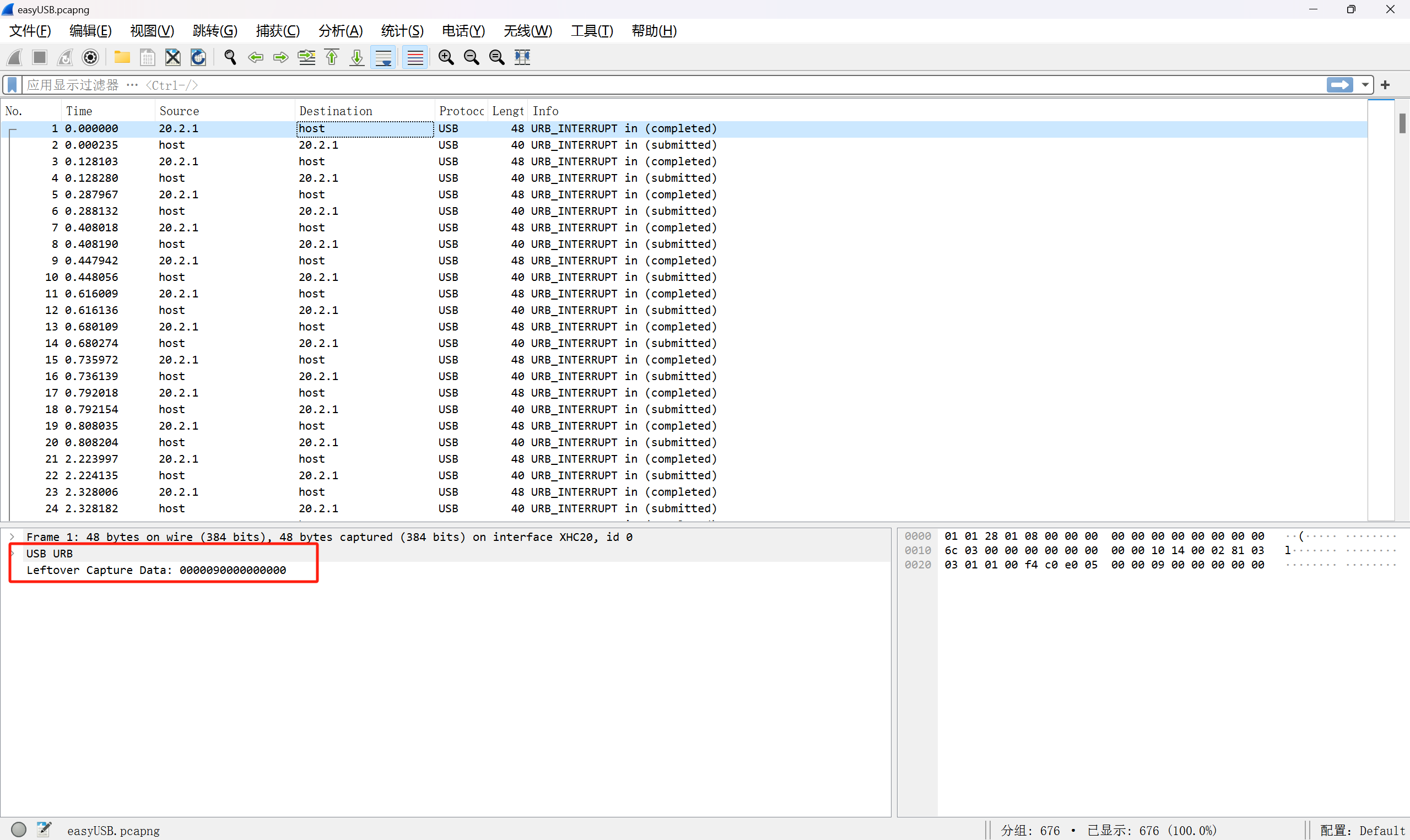
使用wireshark的命令行版工具tshark进行分析流量包,通过下列命令:
tshark -r .\easyUSB.pcapng -T fields -e usb.capdata
-r 指定流量包文件-T 指定筛选的字段名称(可以通过右键进行复制字段名称)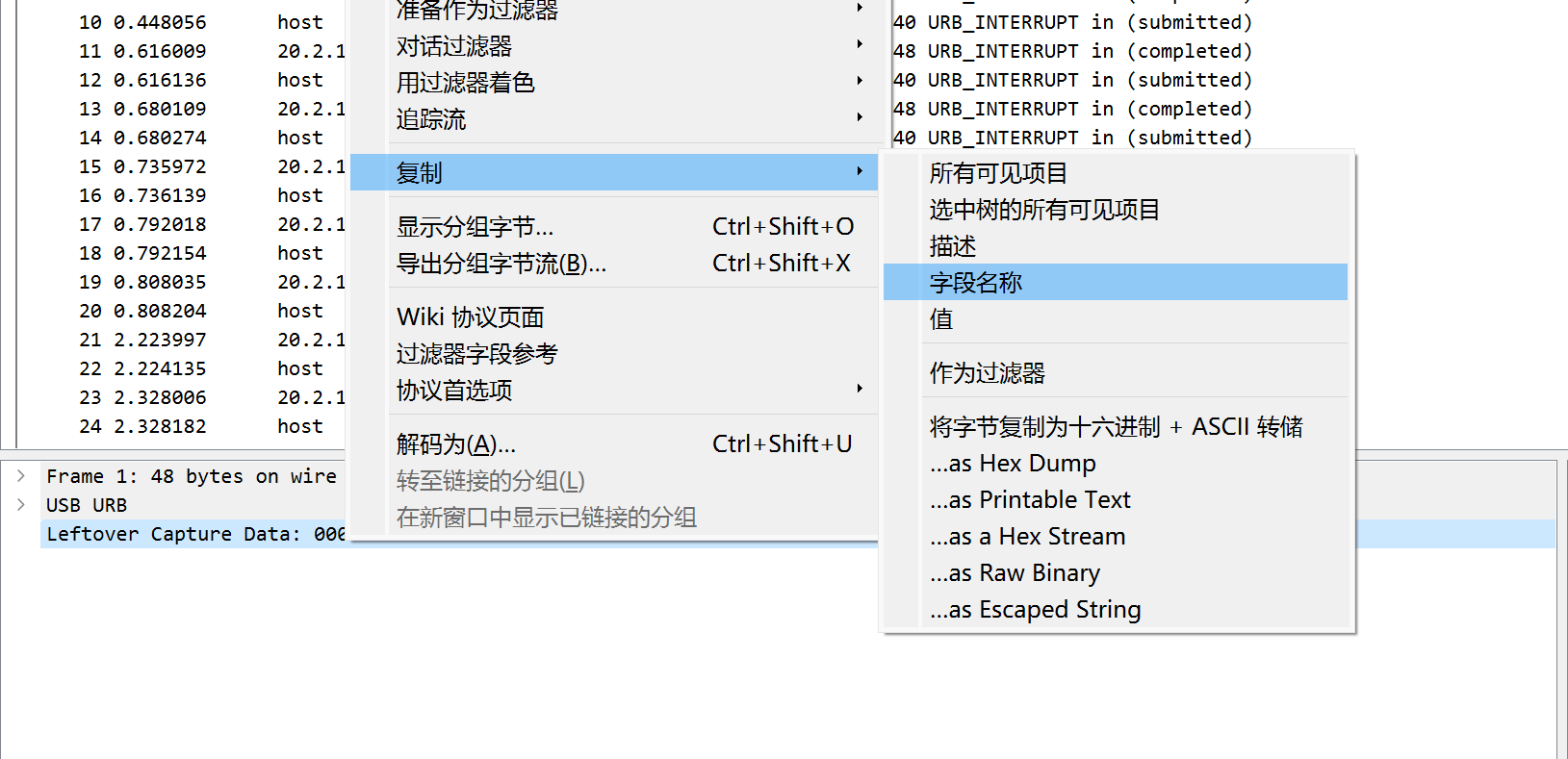
复制到的结果是:usb.capdata
所以使用tshark进行筛选的时候使用的就是这个参数
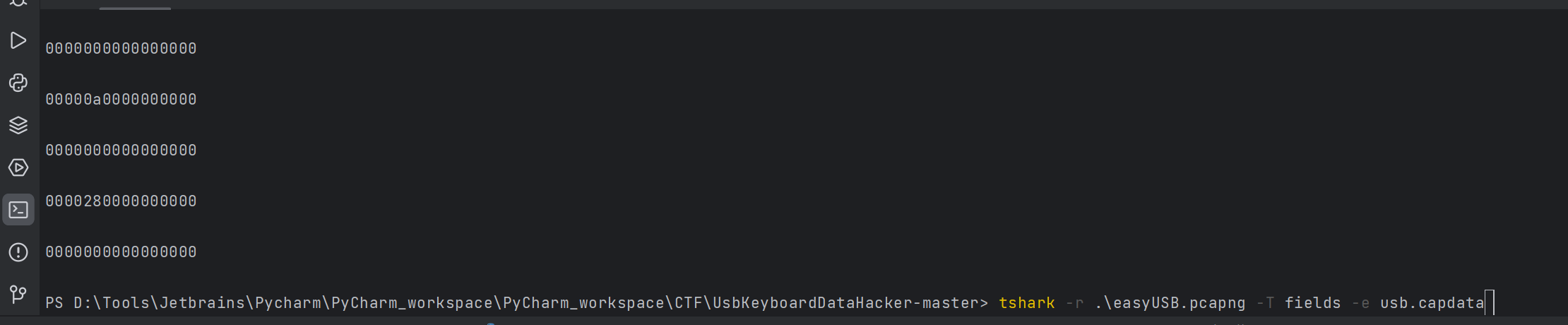
然后通过脚本进行筛选数值
#!/usr/bin/env python
import sysimport os
DataFileName = "usb.dat"
presses = []
normalKeys = {"04": "a", "05": "b", "06": "c", "07": "d", "08": "e", "09": "f", "0a": "g", "0b": "h", "0c": "i", "0d": "j", "0e": "k", "0f": "l", "10": "m", "11": "n", "12": "o", "13": "p", "14": "q", "15": "r", "16": "s", "17": "t", "18": "u", "19": "v", "1a": "w", "1b": "x", "1c": "y", "1d": "z", "1e": "1", "1f": "2", "20": "3", "21": "4", "22": "5", "23": "6", "24": "7", "25": "8", "26": "9", "27": "0", "28": "<RET>", "29": "<ESC>", "2a": "<DEL>", "2b": "\t", "2c": "<SPACE>", "2d": "-", "2e": "=", "2f": "[", "30": "]", "31": "\\", "32": "<NON>", "33": ";", "34": "'", "35": "<GA>", "36": ",", "37": ".", "38": "/", "39": "<CAP>", "3a": "<F1>", "3b": "<F2>", "3c": "<F3>", "3d": "<F4>", "3e": "<F5>", "3f": "<F6>", "40": "<F7>", "41": "<F8>", "42": "<F9>", "43": "<F10>", "44": "<F11>", "45": "<F12>"}
shiftKeys = {"04": "A", "05": "B", "06": "C", "07": "D", "08": "E", "09": "F", "0a": "G", "0b": "H", "0c": "I", "0d": "J", "0e": "K", "0f": "L", "10": "M", "11": "N", "12": "O", "13": "P", "14": "Q", "15": "R", "16": "S", "17": "T", "18": "U", "19": "V", "1a": "W", "1b": "X", "1c": "Y", "1d": "Z", "1e": "!", "1f": "@", "20": "#", "21": "$", "22": "%", "23": "^", "24": "&", "25": "*", "26": "(", "27": ")", "28": "<RET>", "29": "<ESC>", "2a": "<DEL>", "2b": "\t", "2c": "<SPACE>", "2d": "_", "2e": "+", "2f": "{", "30": "}", "31": "|", "32": "<NON>", "33": ":", "34": "\"", "35": "<GA>", "36": "<", "37": ">", "38": "?", "39": "<CAP>", "3a": "<F1>", "3b": "<F2>", "3c": "<F3>", "3d": "<F4>", "3e": "<F5>", "3f": "<F6>", "40": "<F7>", "41": "<F8>", "42": "<F9>", "43": "<F10>", "44": "<F11>", "45": "<F12>"}
def main(): # check argv # if len(sys.argv) != 2: # print("Usage : ") # print(" python UsbKeyboardHacker.py data.pcap") # print("Tips : ") # print(" To use this python script , you must install the tshark first.") # print(" You can use `sudo apt-get install tshark` to install it") # print("Author : ") # print(" WangYihang <wangyihanger@gmail.com>") # print(" If you have any questions , please contact me by email.") # print(" Thank you for using.") # exit(1)
# get argv # pcapFilePath = sys.argv[1] pcapFilePath = 'easyUSB.pcapng'
# get data of pcap # os.system("tshark -r %s -T fields -e usbhid.data 'usb.data_len == 8' > %s" % (pcapFilePath, DataFileName)) # os.system("tshark -r %s -T fields -e usbhid.data" % (pcapFilePath)) os.system("tshark -r %s -T fields -e usb.capdata > %s" % (pcapFilePath, DataFileName))
# read data with open(DataFileName, "r") as f: for line in f: presses.append(line[0:-1]) # handle result = "" for press in presses: if press == '': continue if ':' in press: Bytes = press.split(":") else: Bytes = [press[i:i + 2] for i in range(0, len(press), 2)] if Bytes[0] == "00": if Bytes[2] != "00" and normalKeys.get(Bytes[2]): result += normalKeys[Bytes[2]] elif int(Bytes[0], 16) & 0b10 or int(Bytes[0], 16) & 0b100000: # shift key is pressed. if Bytes[2] != "00" and normalKeys.get(Bytes[2]): result += shiftKeys[Bytes[2]] else: print("[-] Unknow Key : %s" % (Bytes[0])) print("[+] Found : %s" % (result))
# clean the temp data # os.system("rm ./%s" % (DataFileName))
if __name__ == "__main__": main()
得到加密脚本的脚本键入,格式化后输出
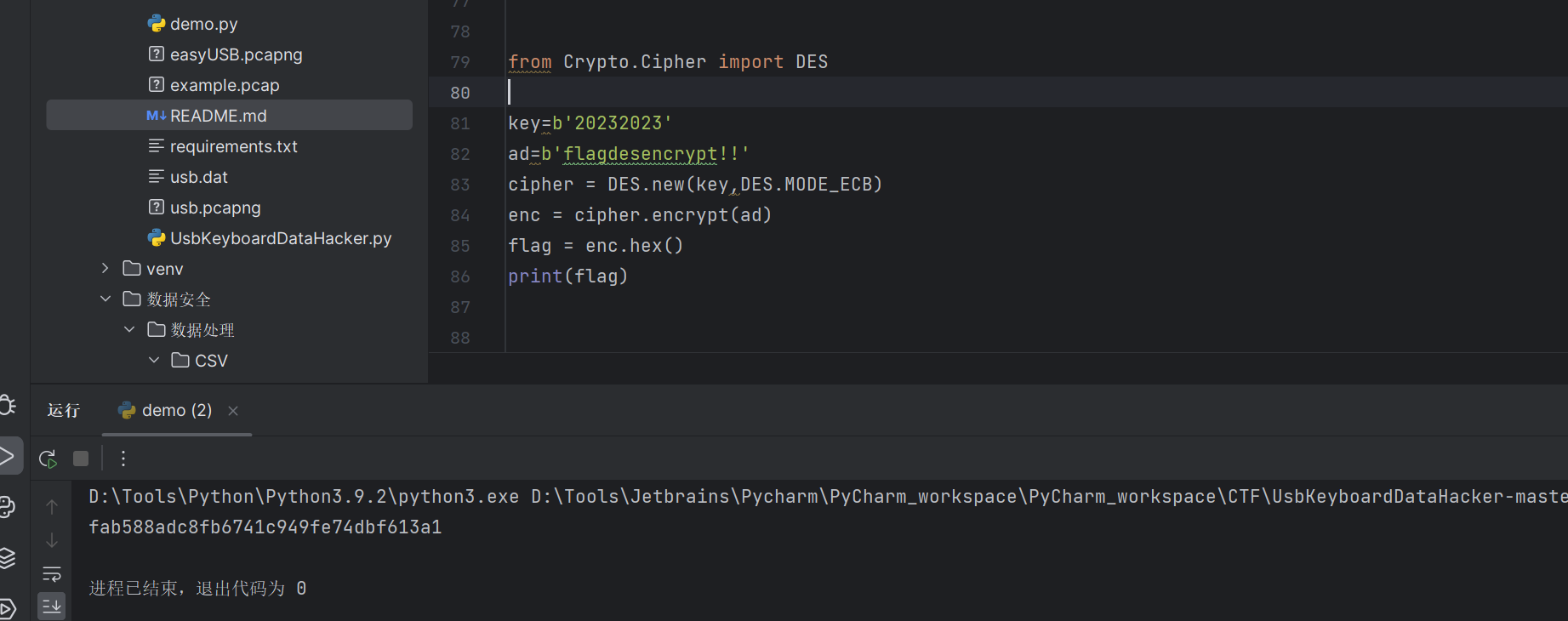
0x02 分析
本质上就是键盘键入的值在流量包中是固定格式的内容,在脚本中将4和5两个字符作为key进行匹配转换
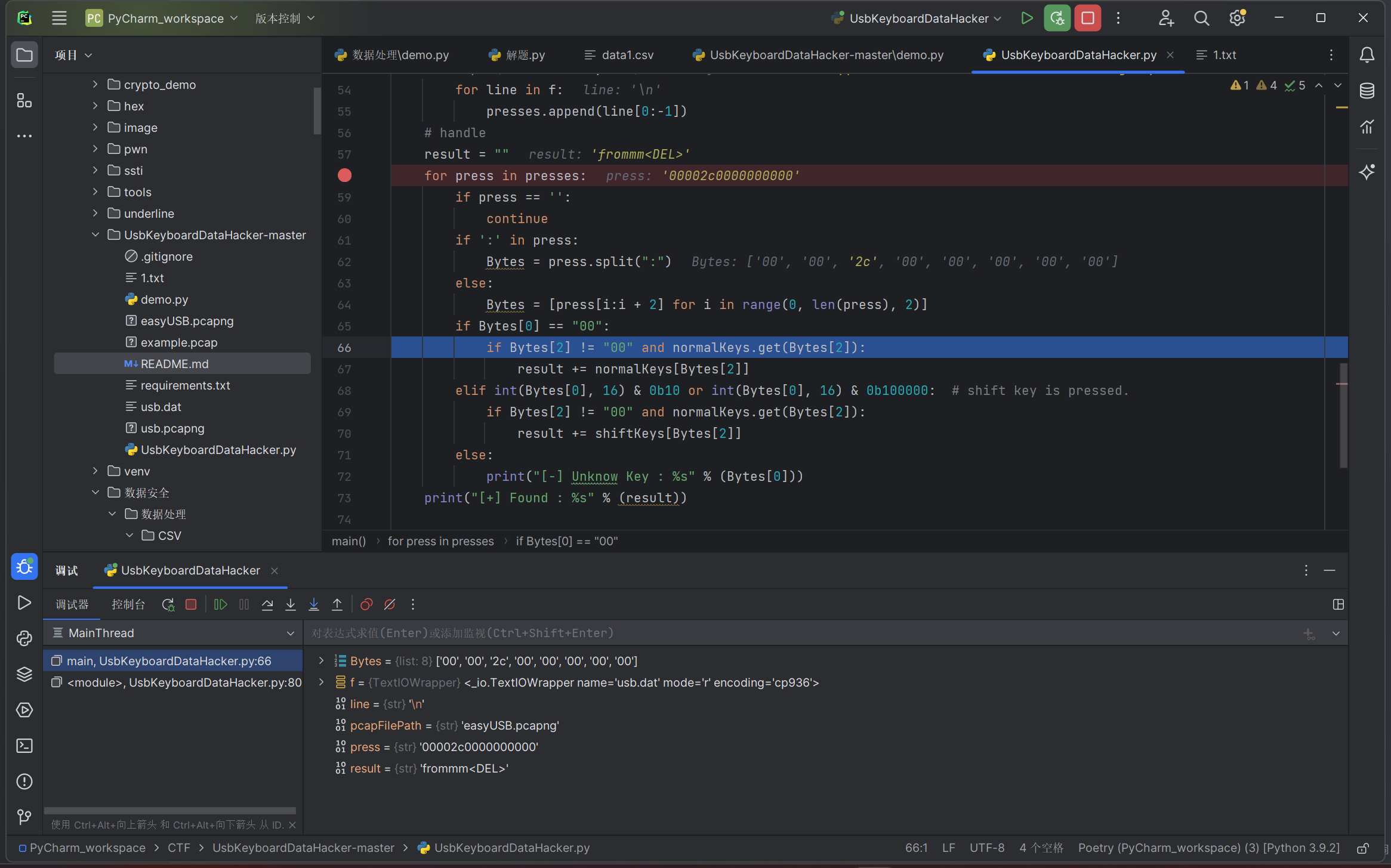
0x03 问题
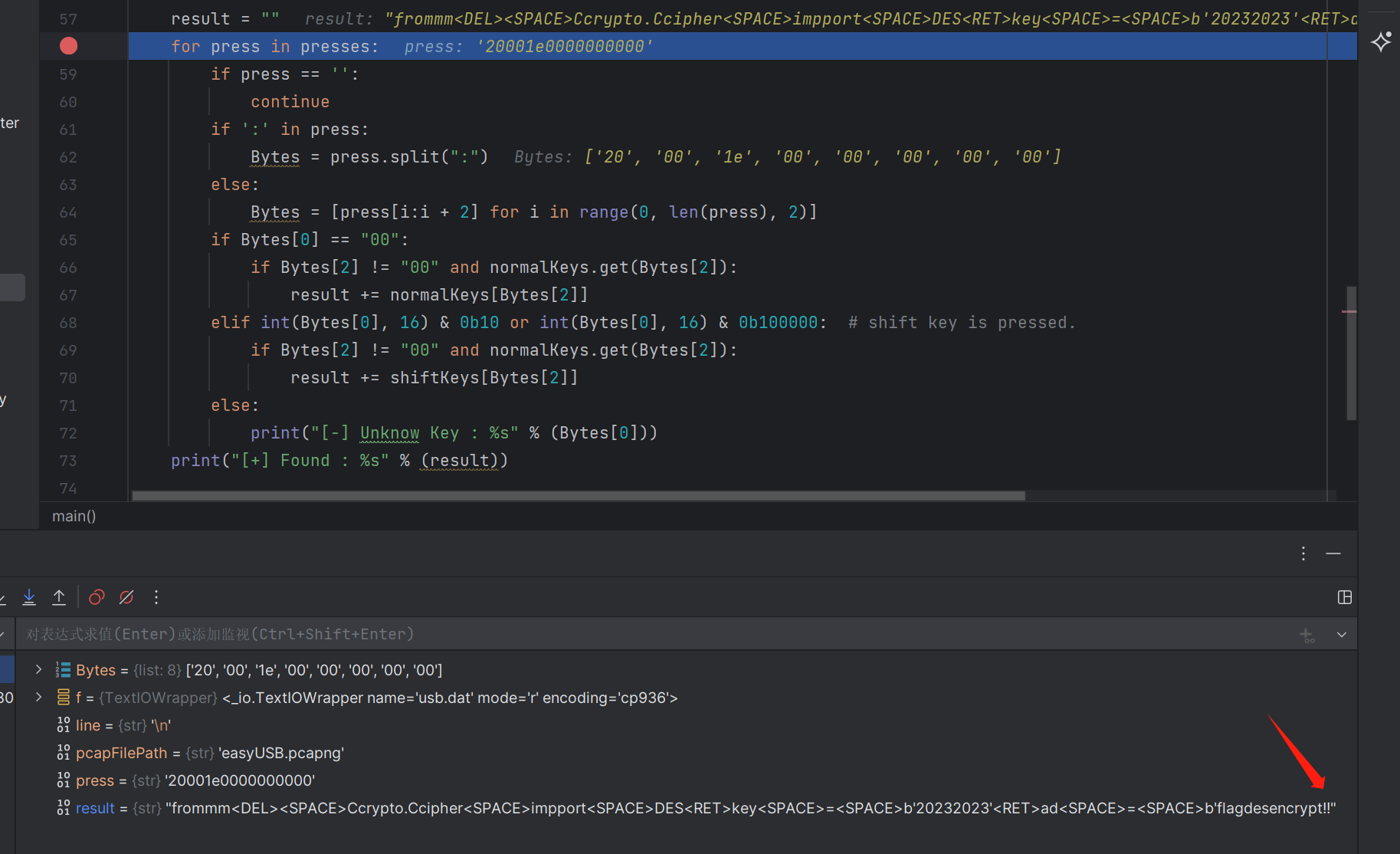
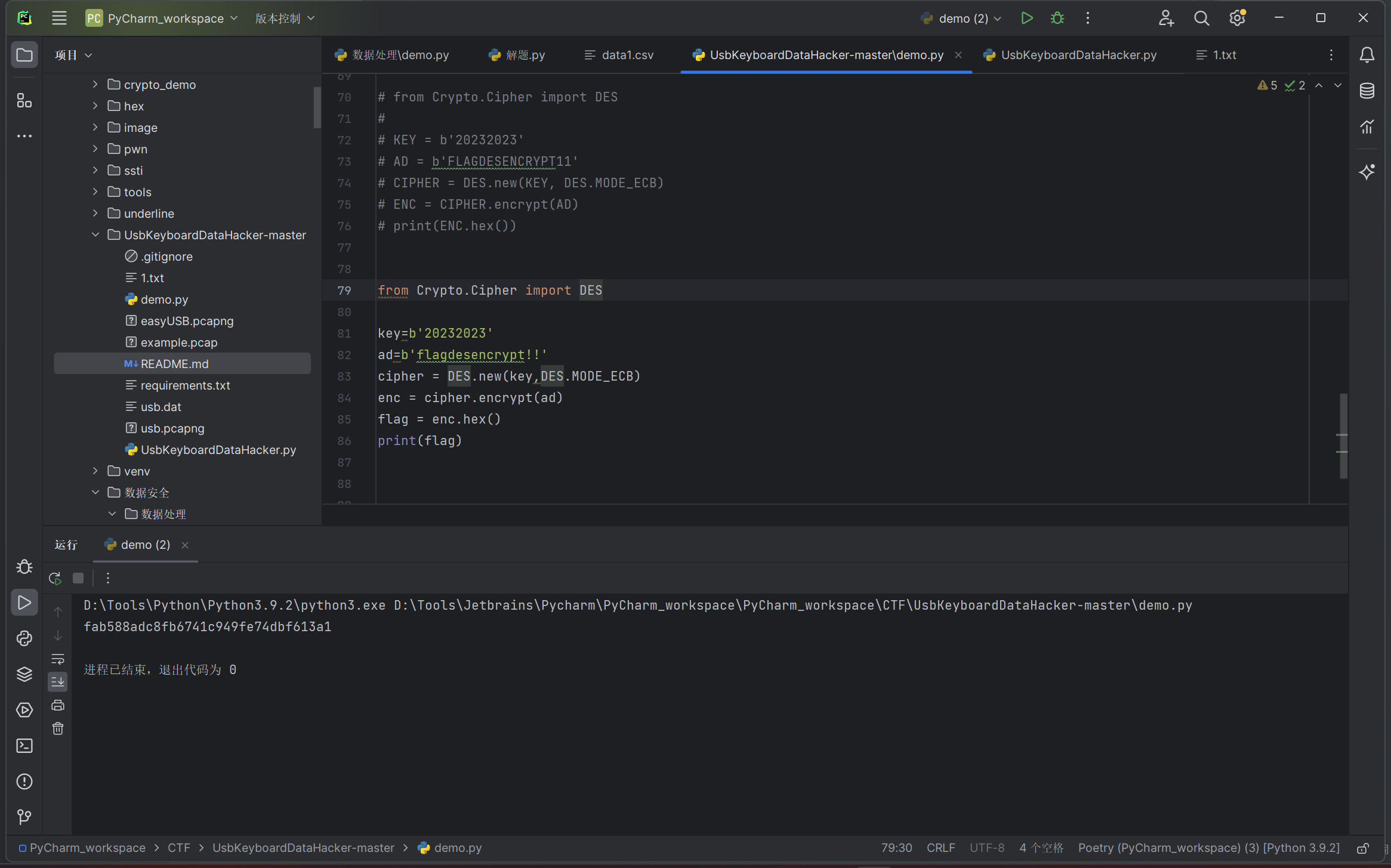
解出来的关键在于,是否判断大写字符,如果第1和第2两个字符不为00则就是用了shift键入,这时字母是大写,数字键是上标符号位,导致出现非预期
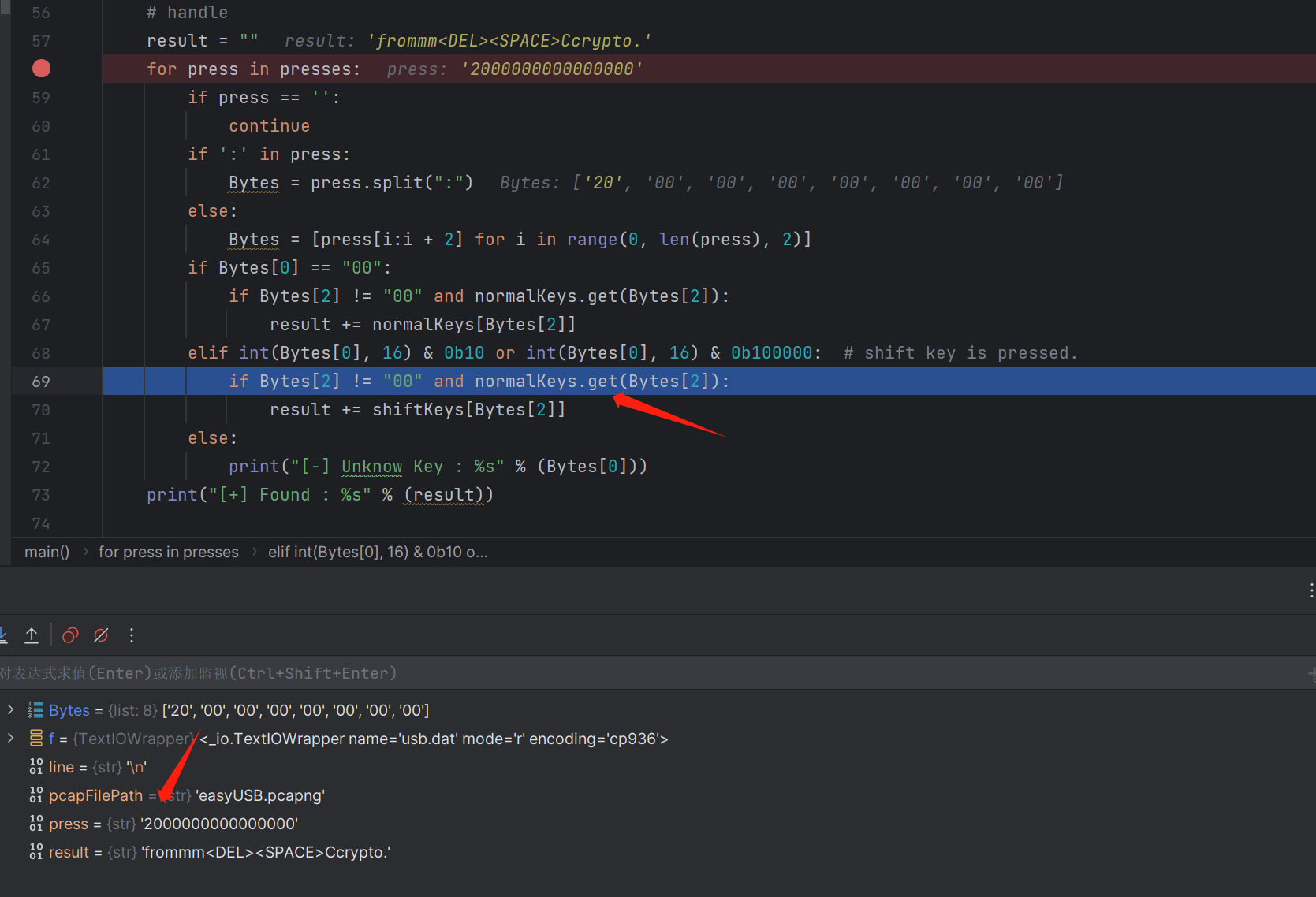
这里有输入!,导致如果未判断shift键入,就会输出11,而真实结果应该是!!
有两个字典,一个小写,一个大写
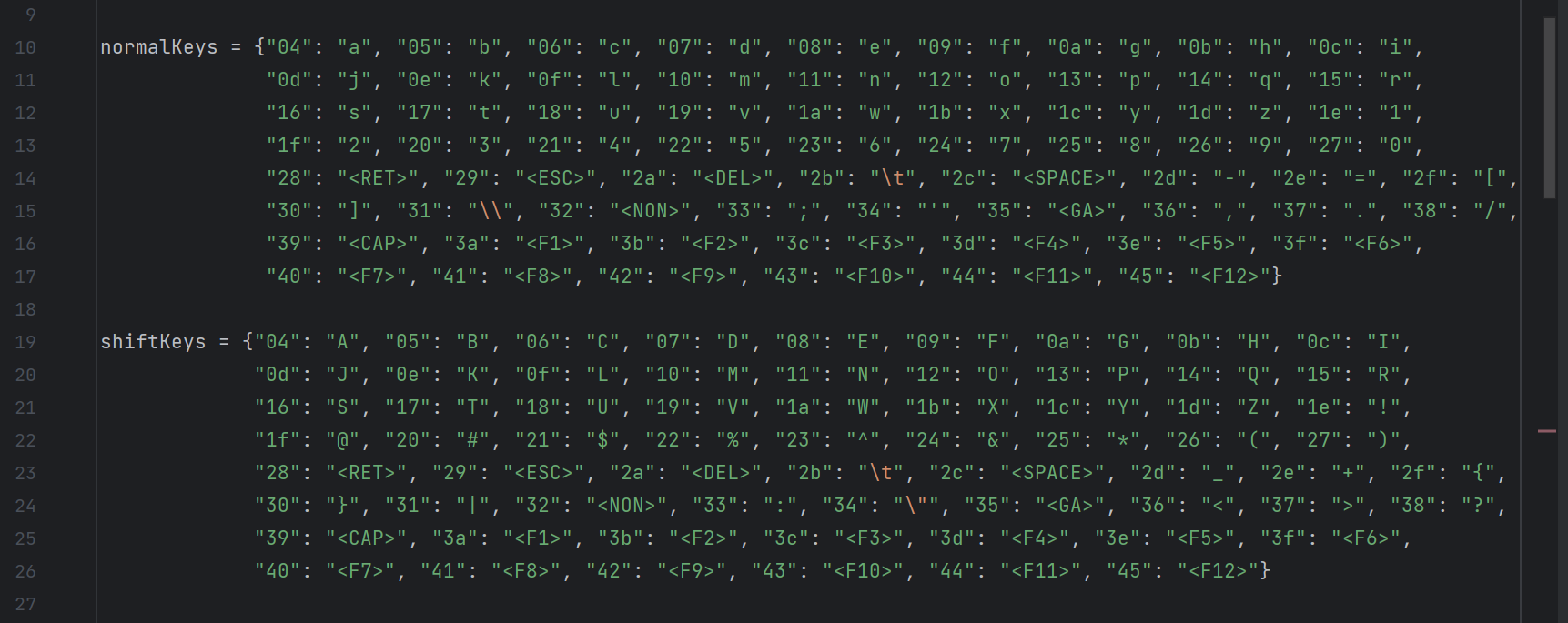
不周到的判断,只是用了一个字典
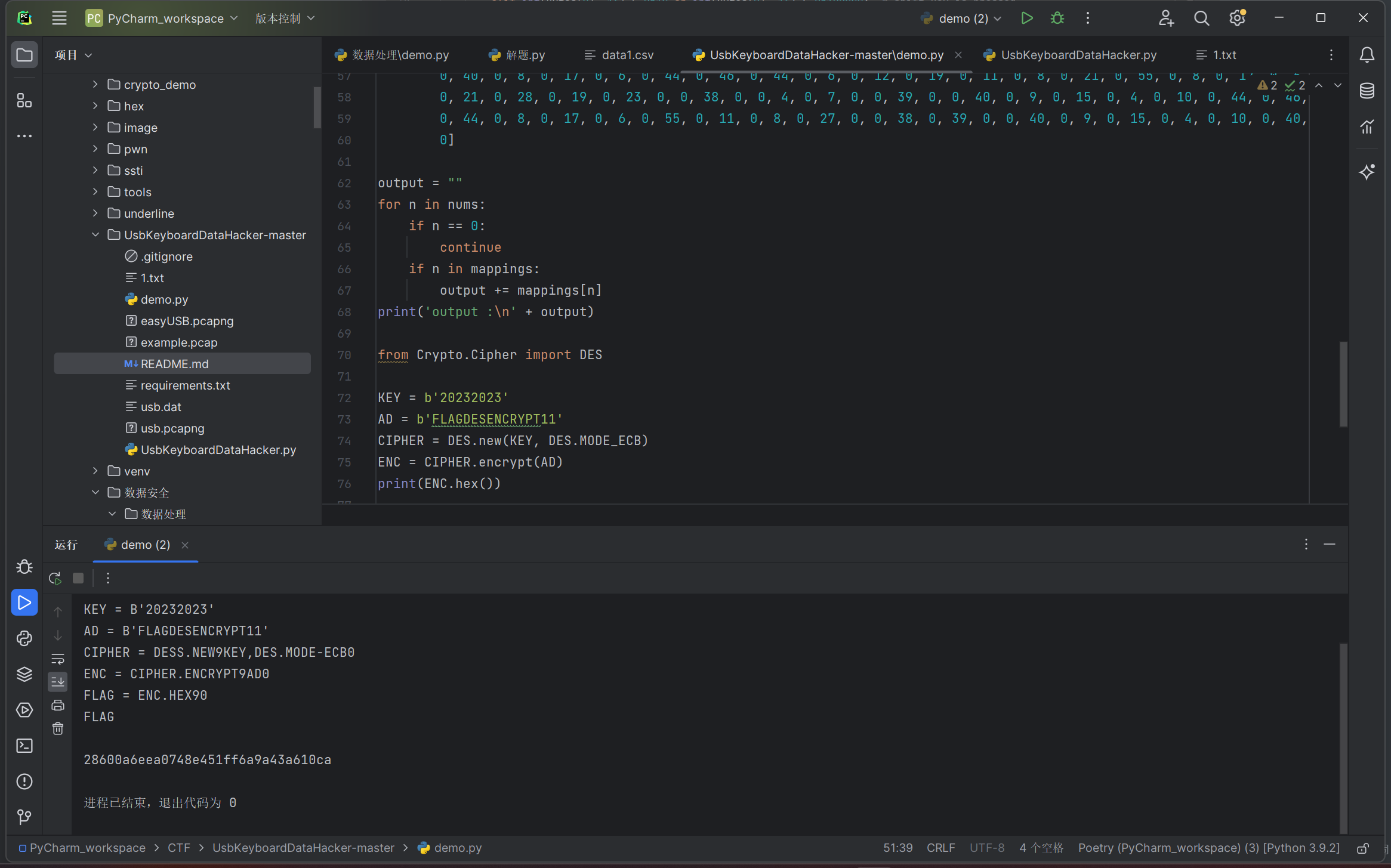
正确的结果
部分信息可能已经过时